Precise frame selection
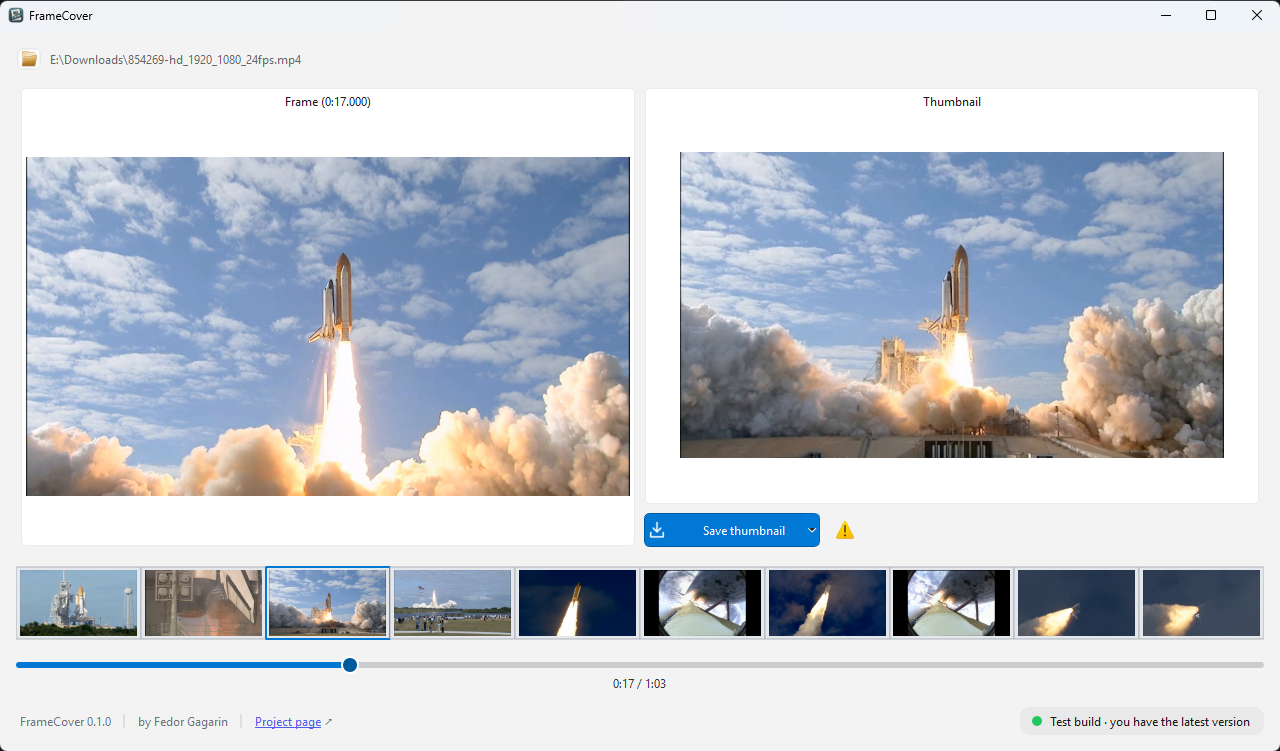
Scrub the timeline and preview your chosen frame before applying a new thumbnail.
 FrameCover
Small detail. Big difference.
A black screen or a random title card on the cover? Pick a frame that tells your video's story and make it the thumbnail.
Windows · macOS · Linux
Works locally — no video uploads to the cloud.
See the difference
Replace an unhelpful thumbnail with a moment you choose.
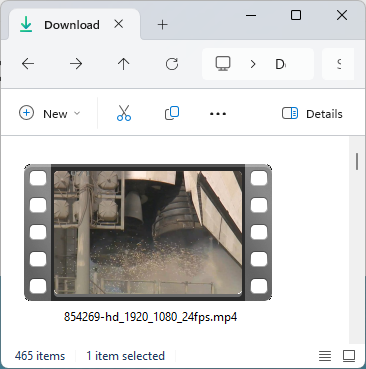
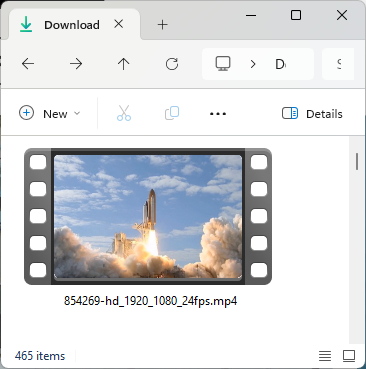
Cover display depends on the video format, file manager and its cache.
Everything you need. Nothing you don't.
Scrub the timeline and preview your chosen frame before applying a new thumbnail.
Open MP4, MOV, MKV, WebM, AVI and FLV files. How the thumbnail is saved depends on the container.
For other containers, the app offers to create a separate MP4. Your original file stays untouched.
Your video is processed on your computer. No server uploads or account required.
Changes are written to a temporary file before replacing the original, so a failed write won't leave your source video corrupted.
The same straightforward workflow on Windows, macOS and Linux. Ready-to-use builds are published on GitHub.
Not every container supports embedded cover art. FLV and WebM use an XDG cache thumbnail where supported; results vary across operating systems and players.
Three simple steps
Choose a file on your computer.
Move the slider to the frame you want and check the preview.
Click Save thumbnail to embed your chosen frame as the cover.
Start with a great frame
The latest stable release, straight from GitHub. Choose your platform.
Ready-to-use app · .exe
Download for WindowsApp bundle .app · .tar.gz
Download for macOSExecutable · .tar.gz
Download for LinuxLinks point to the latest stable release. See the release notes for requirements and build details.
All releases and changelog ↗